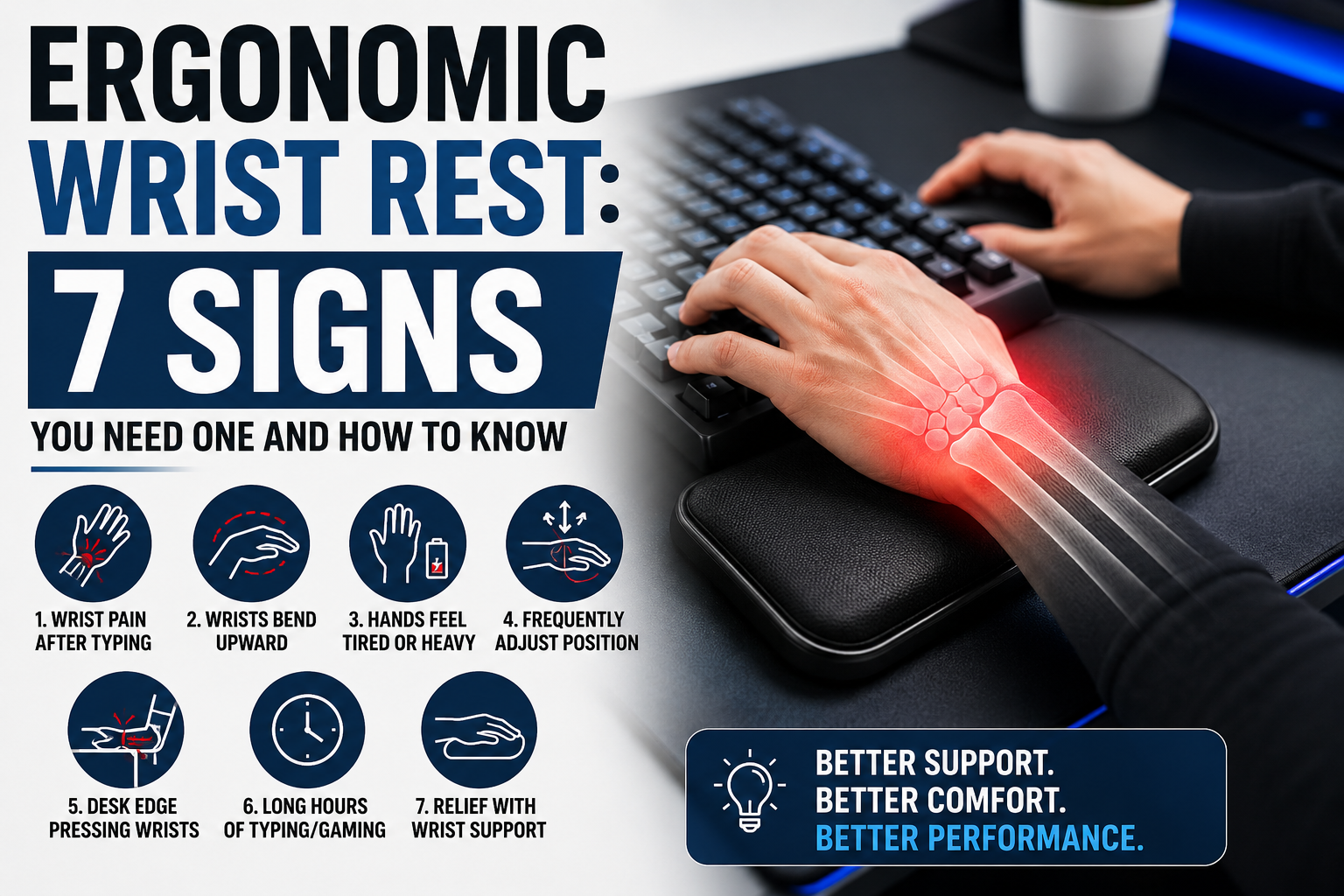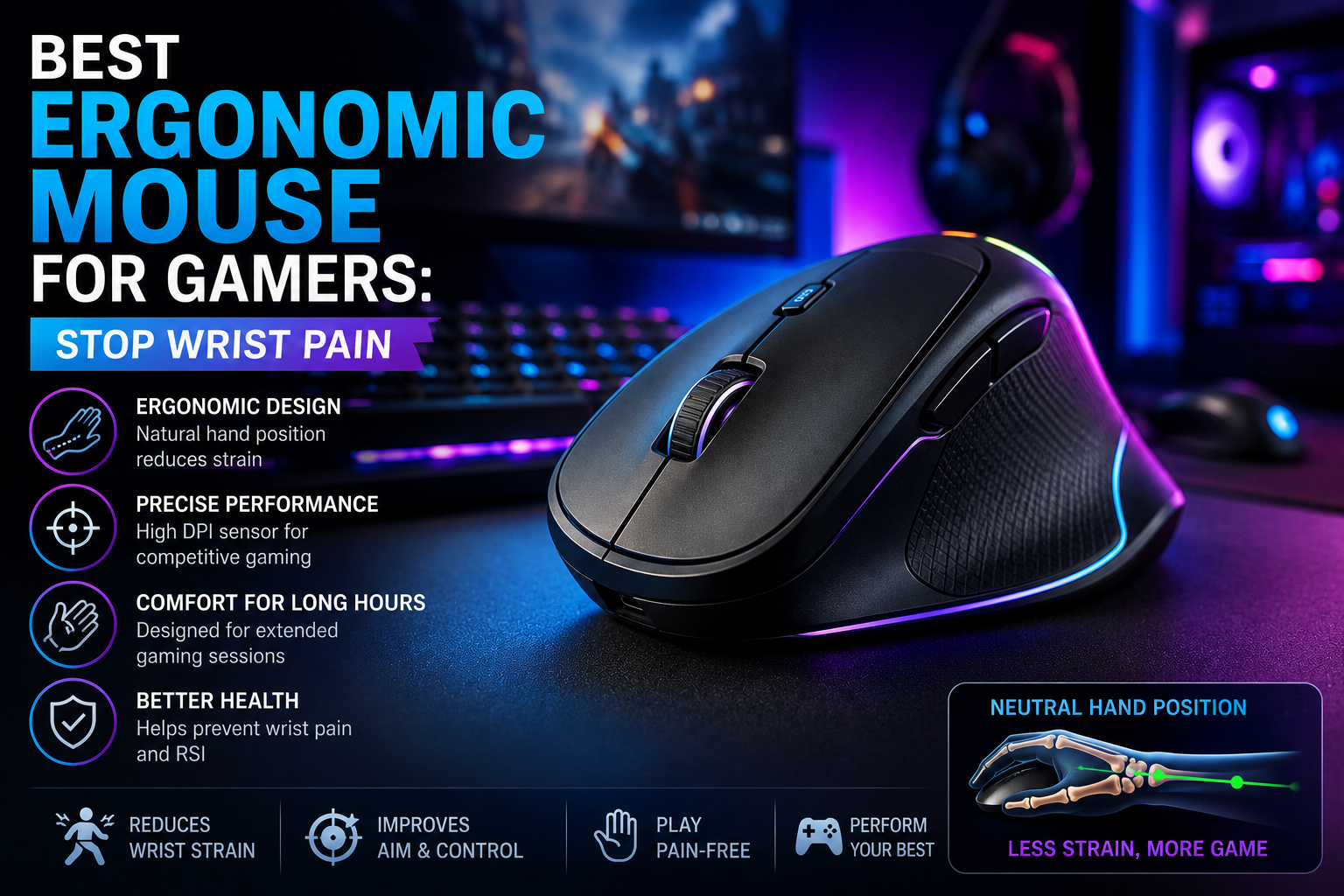
If you’ve ever finished a long gaming session and felt that dull ache spreading from your wrist into your forearm, you’re dealing with something far more common than most gamers realize. This isn’t just “sore hands from playing too much.” It’s a measurable, well-documented physical strain that affects a huge share of both competitive and casual players — and switching to the right ergonomic mouse for gamers is one of the most effective fixes available.
This guide goes deep into why gaming causes wrist pain in the first place, what the research actually says about using an ergonomic mouse for gamers, and how to choose one that protects your hands without wrecking your in-game performance.
Just How Common Is Gaming-Related Wrist Pain?
If you think you’re the only one dealing with this, the numbers say otherwise. Research on esports athletes and competitive gamers paints a pretty striking picture: studies have found wrist and hand pain in anywhere from 30% to over 60% of players, depending on the population studied and how intensively they play. A recent systematic review covering multiple studies found that roughly seven out of ten esports players report some form of pain within a given year, with the length of individual play sessions being one of the strongest predictors.
The reasons aren’t hard to understand once you look at the mechanics. Professional-level gamers have been recorded making several hundred distinct hand and wrist actions per minute — clicking, flicking, dragging — compared to well under 200 actions per minute for a typical office worker doing repetitive computer tasks. Even for casual players, a single multi-hour session can rack up thousands of repetitive micro-movements, all performed with the wrist held in the same bent or twisted position.
Over time, this repetition without recovery causes small amounts of tissue irritation that don’t fully heal between sessions. That’s the basic definition of a repetitive strain injury (RSI) — and left unmanaged, it can progress toward more serious conditions like carpal tunnel syndrome, where swelling around the tendons compresses the median nerve and causes numbness, tingling, or weakness in the hand. If you want a deeper breakdown of how this specific condition develops and how to manage it, check out our complete guide to gaming-related carpal tunnel syndrome.
Why Standard Gaming Mice Make the Problem Worse
Most mice — including the majority of mice marketed specifically for gaming — are flat, low-profile, and designed for speed rather than comfort. To use one, your forearm has to rotate inward so your palm faces down. This position is called pronation, and holding it for hours at a time puts continuous tension on the muscles and tendons that run from your elbow to your fingers.
Add in a habit that many gamers don’t even notice they have — resting the wrist directly on the desk or a hard mousepad while gripping and clicking — and you get sustained pressure directly over the carpal tunnel itself, the narrow passage in your wrist that the median nerve runs through. Prolonged extension or compression here is one of the most consistent risk factors identified in wrist-pain research, whether the person studied was a professional gamer, an office worker, or a factory employee doing repetitive hand movements.
None of this means gaming is inherently dangerous for your hands. It means the combination of a bad wrist position, long uninterrupted sessions, and a mouse shape that doesn’t support a natural hand posture is what tips things from “mild fatigue” into “chronic pain” — which is exactly the gap a well-chosen ergonomic mouse for gamers is designed to close.
What Actually Changes When You Use an Ergonomic Mouse for Gamers
An ergonomic mouse — particularly a vertical one — changes the angle at which your hand grips the device, moving it from a flat, palm-down position toward a more upright “handshake” position, where your thumb points toward the ceiling instead of your palm pointing at the desk.
This isn’t just a comfort gimmick. Research out of the University of Waterloo’s ergonomics program found that switching to a vertical mouse reduced forearm muscle activity by roughly 10% compared to a standard mouse — a meaningful difference when you consider that muscle activity compounds over thousands of repetitions in a single session. Independent testing labs that evaluate ergonomic mice have consistently found that models with a angle in the 45–60 degree range strike the best balance: enough tilt to meaningfully reduce pronation, without the hand position feeling so unfamiliar that it hurts your aim and reaction time while you adjust.
Most people who switch report the first few days feel a little awkward — your brain has to relearn small motor patterns — but the majority of users report a noticeable drop in tension within one to two weeks, and many report normal comfort by around the two-week mark.
Vertical, Contoured, or Trackball? Picking the Right Shape
Not every ergonomic mouse for gamers looks or works the same way, and picking the wrong type for your needs can leave you disappointed. Here’s how the three main categories compare, specifically from a gaming perspective.
Vertical mice offer the biggest ergonomic benefit because they most directly reduce forearm pronation. The trade-off is that a steep vertical angle can make fast flicking and pixel-precise aiming feel less natural at first. Gamers who care about competitive-level tracking should look for vertical mice built specifically with gaming sensors and low click latency, since not all vertical mice are designed with gaming performance in mind — many are aimed purely at office and productivity use.
Contoured or sculpted mice keep a more traditional, palm-down shape but add curves and raised sections that support your hand more naturally. These offer a gentler ergonomic benefit than a true vertical mouse, but they require almost no adjustment period, which makes them a good entry point if you’re not ready to commit to a full vertical shape.
Trackball mice remove wrist and forearm movement almost entirely, since you move the ball with your fingers or thumb instead of sliding the whole mouse. These are excellent for people managing more advanced RSI, arthritis, or shoulder-related pain, and they take up very little desk space. However, most competitive gamers find trackballs genuinely difficult to use for fast-paced titles, since the muscle memory required is completely different from a standard mouse. They’re worth considering mainly for slower-paced games or non-gaming tasks.
For most gamers dealing with early-stage wrist discomfort, a vertical mouse with a moderate 45–50 degree angle tends to offer the best mix of ergonomic benefit and gaming performance.
What to Actually Look For When Buying
Not every mouse labeled “ergonomic” is automatically a good ergonomic mouse for gamers specifically — many are designed for office use, not fast-paced play. Here’s what matters most when you’re buying with gaming in mind:
Hand size and grip style. This is the single biggest factor in whether an ergonomic mouse feels comfortable or awkward. Measure from the base crease of your palm to the tip of your middle finger — it takes about 30 seconds — and check it against the manufacturer’s size chart before buying. Whether you naturally use a palm, claw, or fingertip grip also affects which shape will suit you.
Vertical angle. Steeper angles (55–60 degrees) give a stronger ergonomic benefit but take longer to adapt to. Shallower angles (around 45 degrees) are easier to adjust to and feel closer to a traditional gaming mouse, at the cost of a slightly smaller reduction in wrist strain.
Sensor quality and polling rate. Ergonomic doesn’t have to mean giving up performance. Look for a proper gaming-grade optical sensor, DPI in the 1,600–30,000 range (more than you’ll realistically need, but a sign of build quality), and a polling rate of at least 1,000Hz if competitive responsiveness matters to you. Some newer vertical gaming mice now support 8,000Hz polling and click latency well under 1 millisecond, closing the performance gap with flat gaming mice almost entirely.
Weight. Heavier mice increase the physical load your hand has to control repeatedly, which can work against the ergonomic benefit. Lighter designs (under 100g) tend to be gentler on the wrist during long sessions, though very light mice can sometimes feel less stable for precision aiming.
Buttons and customization. Programmable side buttons let you remap frequently used actions so your fingers do less repetitive work overall — useful for reducing strain in games with complex control schemes.
Wired vs. wireless. Wireless removes cable drag, which can subtly affect wrist movement over long sessions, but a good wired connection still offers the most consistent, lowest-latency experience if that matters for your games.
Choosing an Ergonomic Mouse for Gamers by Budget
Budget tier: Look for a basic vertical mouse with a 45–52 degree angle and adjustable DPI in the 800–1,600 range. This is a solid way to test whether the vertical position works for you before spending more.
Mid-range tier: Contoured or moderate-angle vertical mice with better sensors, programmable buttons, and improved build quality fall here. This tier is where most gamers land — enough ergonomic benefit for daily relief, without a steep learning curve.
Premium tier: Adjustable-angle vertical mice with competitive-grade sensors, sub-1ms latency, and high polling rates belong here. These are built specifically to let serious gamers get real ergonomic protection without sacrificing performance in fast, competitive titles.
Beyond the Mouse: Habits That Matter Just as Much
Even the best ergonomic mouse won’t undo the effects of poor habits around it. A few things the research consistently points to:
- Break length and frequency matter more than most people expect. A short break of around five minutes for every 45–60 minutes of continuous play gives strained tendons time to recover before the next block of repetitive movement.
- Session length is one of the strongest predictors of pain. Research has linked continuous sessions beyond roughly three hours to a meaningfully higher risk of physical symptoms, independent of total weekly playtime.
- Wrist position should stay neutral — roughly flat, not bent up or down — whether you’re using a mouse or a keyboard. A wrist rest positioned under the forearm rather than directly under the wrist itself can help maintain this position without adding pressure over the carpal tunnel.
- Simple stretching routines help. Wrist flexor stretches, finger extensions, and gentle nerve-gliding movements performed before and after gaming are commonly recommended by hand specialists as a low-effort way to reduce cumulative strain.
When to See a Professional
An ergonomic mouse and better habits solve a large share of gaming-related wrist discomfort, especially when caught early. If your symptoms sound closer to carpal tunnel syndrome specifically, our in-depth carpal tunnel guide covers causes, symptoms, and treatment options in more detail. But if you’re experiencing persistent numbness or tingling in your fingers, sharp pain rather than general fatigue, weakness in your grip, or symptoms that don’t improve after a few weeks of these changes, it’s worth having a doctor or physiotherapist take a look. Early-stage RSI responds well to simple interventions; untreated carpal tunnel syndrome sometimes requires more involved treatment, including physical therapy or, in advanced cases, surgery.
Final Thoughts
Wrist pain from gaming isn’t a rare or minor issue — it’s a well-studied problem affecting a large share of both casual and competitive players, driven by repetitive movement, sustained bad posture, and mouse shapes that were never designed with long-term hand health in mind. Switching to the right ergonomic mouse for gamers, matched to your hand size and gaming needs, addresses the biggest single risk factor you actually have control over. Pair that with sensible breaks, a neutral wrist position, and a few minutes of stretching, and you give your hands a real chance to keep up with however many hours you want to keep playing.
This article is intended for general informational purposes and is not a substitute for professional medical advice. If you’re experiencing persistent or worsening wrist pain, numbness, or weakness, consult a doctor or physiotherapist.