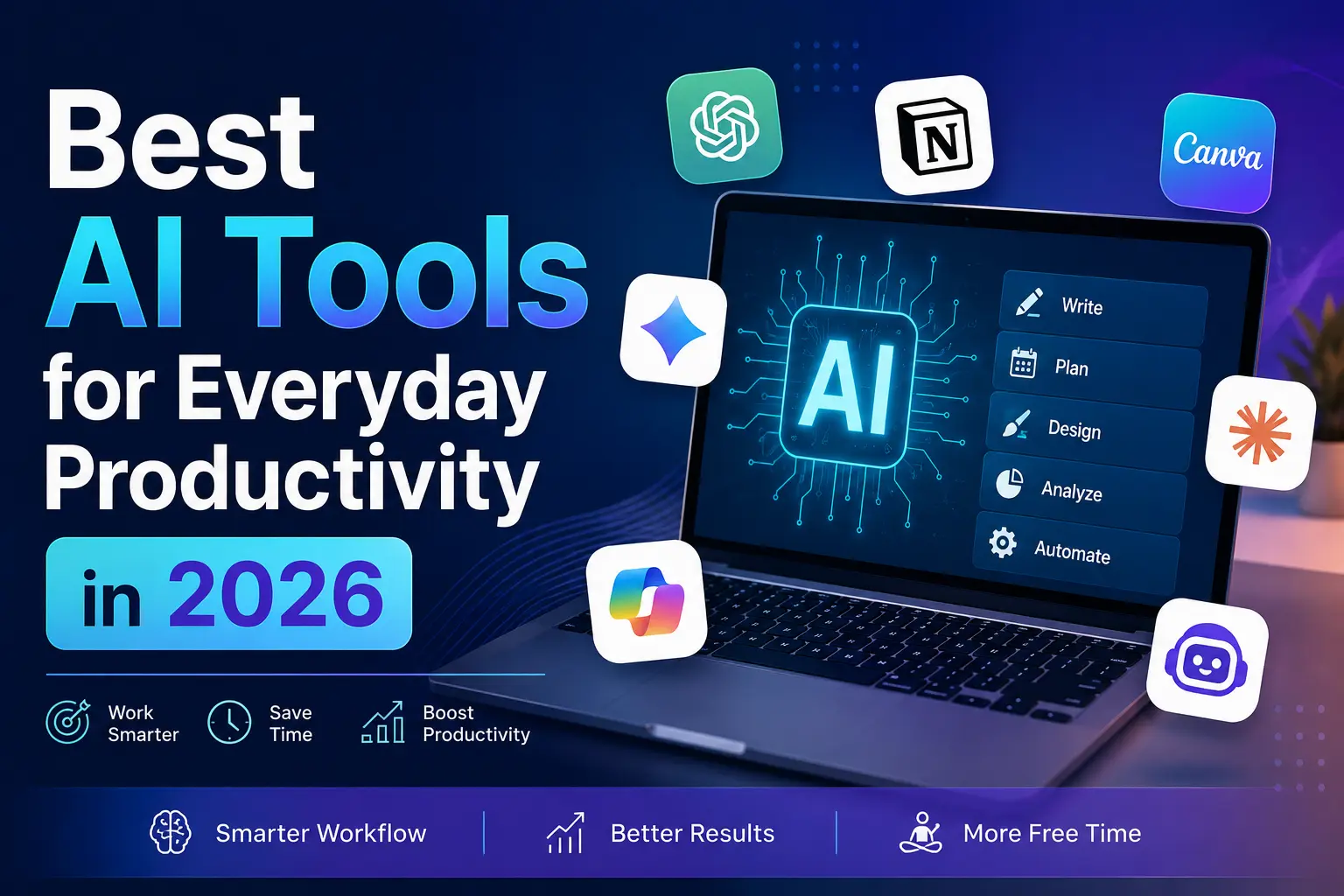
Every year the productivity software conversation gets rewritten, and 2026 is no exception. What used to be a handful of chatbots bolted onto existing apps has turned into a genuine ecosystem of AI productivity tools that plan your day, write your first drafts, sit in on your meetings, and even build small apps for you. If you have felt the itch to upgrade your workflow but weren’t sure where to start, this guide breaks down the best AI tools for everyday productivity in 2026, organized by the job each one actually does.
We’re not just listing “AI apps” for the sake of it. The goal here is to match specific productivity bottlenecks — too many meetings, too much email, too many tabs — with the AI productivity tools 2026 has to offer that are proven to solve them. Along the way we’ll cover AI writing assistants, AI scheduling tools, AI meeting assistants, AI research tools, and AI automation platforms, so you can build a stack that fits how you actually work instead of chasing every new launch.
Why AI Productivity Tools Matter More in 2026 Than Ever
Knowledge work adoption of generative AI has moved past the experimentation phase. Most professionals now use at least one AI tool daily, and the tools themselves have matured: fewer gimmicky chat windows, more embedded assistants that live inside the apps you already use — your inbox, your calendar, your documents, your code editor. That shift matters because the best AI tools for everyday productivity in 2026 aren’t necessarily the flashiest ones. They’re the ones with the lowest learning curve and the tightest fit with your existing workflow.
Three trends are shaping this year’s landscape:
- Agentic behavior: Tools no longer just answer questions; they take multi-step actions on your behalf — drafting a reply, scheduling a meeting, filing a task, or reorganizing a spreadsheet without you babysitting every step.
- Context windows that actually remember you: AI assistants increasingly retain project history, writing style, and preferences across sessions, so you spend less time re-explaining yourself.
- Consolidation: Rather than fifteen single-purpose apps, more platforms are becoming all-in-one command centers — notes, tasks, meetings, and AI chat in one place.
With that context, let’s get into the actual tools.
1. Best AI Writing Assistants for Everyday Productivity
Writing remains the single most common use case for AI at work — emails, reports, proposals, social captions, and internal documentation all eat up hours every week.
ChatGPT
ChatGPT continues to be the most widely adopted general-purpose AI assistant, and for good reason. Its newest unified system automatically switches between a fast response mode and a deeper reasoning mode depending on how complex your request is, which makes it flexible enough to draft a quick email or work through a multi-step business plan in the same conversation. Voice mode has also become genuinely useful for thinking out loud during a commute or a walk.
Best for: all-purpose writing, brainstorming, and quick research Watch out for: occasional overconfidence on niche facts — always verify specifics
Claude
Claude is built around careful, well-structured long-form writing and works especially well for people who need an assistant that can handle nuanced, professional tone — think client-facing reports, internal memos, or technical documentation. It’s also increasingly used through Claude Code and Claude Cowork for people who want an AI partner that can carry a task from a rough brief all the way to a finished document or spreadsheet, not just a paragraph of text.
Best for: long-form writing, document creation, and detailed research synthesis Watch out for: if you need a very casual, meme-heavy tone, you may need to prompt more directly for it
Writer
Writer focuses on enterprise-grade content generation with built-in brand voice and compliance guardrails, which makes it a strong pick for marketing and legal teams that need every AI-generated draft to sound consistently on-brand.
Best for: teams that need consistent brand voice at scale
2. Best AI Tools for Coding and Technical Work
Developers were early adopters of AI productivity tools, and the coding category has matured into some of the most capable software on this list.
Cursor
Cursor has become a go-to AI-powered code editor because it understands entire codebases, not just the file you have open. It can refactor across multiple files, explain legacy code, and catch bugs before you ship, cutting real hours out of a typical dev workflow.
Best for: developers who want an AI-native coding environment Pricing: usage-based plans that scale with how much AI assistance you need
Claude Code
For developers who prefer to delegate whole coding tasks rather than accept line-by-line suggestions, Claude Code operates as an agentic coding tool you can run from the terminal, a desktop app, or even remotely from your phone. It’s particularly useful for larger refactors, debugging sessions, or spinning up a new feature from a plain-language description.
Best for: delegating multi-step coding tasks rather than just autocompleting lines
3. Best AI Tools for Meetings and Note-Taking
Meeting fatigue is one of the most universal productivity complaints, and AI meeting assistants have become one of the fastest-growing categories of AI productivity tools in 2026.
Fireflies.ai
Fireflies automatically joins calls, transcribes them, and pulls out action items so nobody has to take manual notes again. It integrates with most calendar and CRM tools, which makes it especially handy for sales and customer success teams.
Best for: automatic meeting capture across a busy calendar
Read AI
Read AI goes a step further than transcription by analyzing engagement and sentiment during a call — useful for gauging how a client actually felt about a pitch. Its “Speaker Coach” feature gives personalized feedback, for example flagging if your words-per-minute is too high for good comprehension, and it also generates highlight reels and tracks action items across meetings over time.
Best for: teams that want coaching-style feedback alongside meeting notes Pricing: free plan available; paid plans start around $19.75/month
Granola
Granola has carved out a niche as a lightweight, low-friction note-taking layer that sits quietly during calls and turns your rough notes into a clean, structured summary afterward — a good option if you want AI notes without a bot visibly joining every call.
Best for: discreet, low-overhead meeting notes
4. Best AI Research and Knowledge Tools
Research used to mean two dozen open tabs. Now, AI research assistants can synthesize sources, cite them, and answer follow-up questions in seconds.
Perplexity
Perplexity has built a reputation as an AI-powered search engine that delivers cited answers, often pulling from dozens of sources in a single response. That citation-first approach makes it a strong choice when accuracy and traceability matter, such as competitive research or fact-checking.
Best for: research that needs source citations Watch out for: treat it as a research accelerator, not a replacement for primary sources on high-stakes claims
NotebookLM
Google’s standalone research tool lets you upload dozens of source documents — PDFs, transcripts, raw data — and turns the model into a specialized expert on exactly that material. It has become one of the best tools for synthesizing large, messy projects into a coherent summary, and its audio-overview feature is a favorite for people who process information better by listening.
Best for: synthesizing large document sets into a single source of truth
5. Best AI Scheduling and Time-Management Tools
Calendar chaos remains one of the most common productivity drains, and this category of AI productivity tools has quietly become one of the most impactful.
Motion
Motion turns a running to-do list into an automatically time-blocked calendar, rescheduling tasks in real time as new priorities come in. It’s aimed at professionals juggling multiple projects who are tired of manually shuffling their own calendar every time something changes.
Best for: professionals who want their calendar managed for them Pricing: Pro AI plans start around $19/seat/month billed annually Watch out for: works best when it’s your primary scheduling system rather than a side tool
Reclaim
Reclaim focuses specifically on protecting focus time and habits (like exercise or deep work blocks) by intelligently defending them against meeting creep, which makes it a good complement to a team calendar that’s otherwise in constant flux.
Best for: protecting recurring personal time blocks on a busy team calendar
Clockwise
Clockwise’s Prism engine is built for teams with heavily shared calendars, optimizing meeting placement across an entire organization rather than just one person’s day.
Best for: team-wide calendar optimization
6. Best AI Tools for Organization and Project Management
Notion
Notion has evolved from a note-taking app into what many teams now call a “project brain” — a central workspace where AI can summarize meeting notes, generate project updates, and answer questions about your own team’s documents. Its AI-powered meeting system in particular has become a major reason people keep coming back to it.
Best for: teams that want one central, AI-searchable workspace
Asana / ClickUp
Both platforms have layered AI features on top of established project management systems — auto-generating status updates, summarizing task threads, and predicting project risk based on how work is actually progressing. If your team already lives in one of these tools, the AI layer is often the lowest-friction way to add productivity gains without changing your whole workflow.
Best for: teams already using traditional project management software who want an AI layer added on top
7. Best AI Tools for Design and Presentations
Canva
Canva’s AI features (background removal, “Magic” design suggestions, and text-to-image generation) have made it a default choice for non-designers who need polished visuals fast, whether that’s a social post or a one-page flyer.
Best for: quick, professional-looking visuals without a design background
Gamma
Gamma turns a rough outline or prompt into a fully designed presentation, document, or webpage in minutes, which has made it popular with founders and consultants who need to turn ideas into shareable decks quickly.
Best for: fast first-draft presentations and one-pagers
8. Best AI Automation Tools
Zapier
Zapier connects thousands of apps through automated workflows, and its AI features now let you describe an automation in plain language and have the platform build the workflow for you — no more hunting through nested “if this, then that” menus. This is especially valuable for small teams that don’t have dedicated ops or engineering support to build custom integrations.
Best for: connecting your existing apps without writing code
How to Choose the Right AI Productivity Tools for Your Workflow
With this many options, the temptation is to try to adopt everything at once. Resist it. The most effective approach is to identify your single biggest friction point first, then add one tool at a time:
- If meetings eat your day: start with an AI meeting assistant like Fireflies or Read AI before touching anything else.
- If your inbox and calendar feel out of control: an AI scheduling tool like Motion or Reclaim will have the fastest visible payoff.
- If research and reading are your bottleneck: Perplexity or NotebookLM will save you the most time.
- If you’re constantly starting from a blank page: ChatGPT or Claude will give you the quickest wins on drafting.
- If you’re a developer: Cursor or Claude Code will change your day-to-day more than any general chatbot will.
A good rule of thumb worth borrowing from experienced AI adopters: if a tool requires more than roughly twenty minutes of “cleaning up” its output for every ten minutes it claims to save you, it isn’t earning its place in your stack yet. Judge tools by real time saved, not by how impressive the demo looked.
Common Mistakes People Make When Adopting AI Productivity Tools
- Trying to replace judgment instead of labor: The tools above are excellent at drafting, summarizing, and organizing — but a named human should still own every important decision an AI helps produce. Treat AI output as a strong first draft, not a final answer, especially for anything client-facing or high-stakes.
- Stacking too many overlapping tools: Using an AI writing assistant, a separate AI notetaker, and three different automation platforms that all try to do similar things creates more cognitive overhead than it removes. Pick one tool per job.
- Ignoring integration: The best AI productivity tools in 2026 are the ones that plug directly into your existing calendar, inbox, and documents. A tool that requires you to constantly switch context and copy-paste between apps will rarely deliver the time savings it promises.
- Skipping the learning curve entirely: Even the most intuitive AI tools benefit from an hour or two of deliberate setup — connecting your calendar, customizing your writing style, or feeding a knowledge base into a research tool. Treat that setup time as an investment, not friction.
Frequently Asked Questions
What are the best free AI productivity tools in 2026?
Most major tools — including ChatGPT, Claude, Perplexity, Notion AI, and Canva — offer usable free tiers, though features like higher usage limits, priority processing, and advanced integrations are typically reserved for paid plans.
Can AI tools really save time, or is it mostly hype?
When matched correctly to a real bottleneck (meetings, scheduling, drafting, or research), AI productivity tools consistently save measurable time. The key is choosing tools based on your actual workflow friction rather than adopting whatever is trending.
Is it safe to use AI tools with sensitive work data?
Reputable AI productivity tools offer enterprise-grade data handling and privacy controls, but it’s worth checking each vendor’s specific data retention and training policies before feeding in sensitive client or company information.
Do I need technical skills to use these tools?
No. Most of the tools covered here — from Motion to Notion to Canva — are designed for non-technical users. Even developer-focused tools like Cursor and Claude Code are built to be approachable through natural-language prompts rather than requiring deep coding expertise.
Final Thoughts
The best AI tools for everyday productivity in 2026 aren’t about chasing the newest launch — they’re about matching the right assistant to the specific friction in your day. Whether that means an AI writing assistant for faster drafts, an AI meeting tool that finally frees you from note-taking, or an AI scheduling tool that protects your focus time, the winning strategy is the same: start small, measure the actual time saved, and build your stack one genuine improvement at a time.