

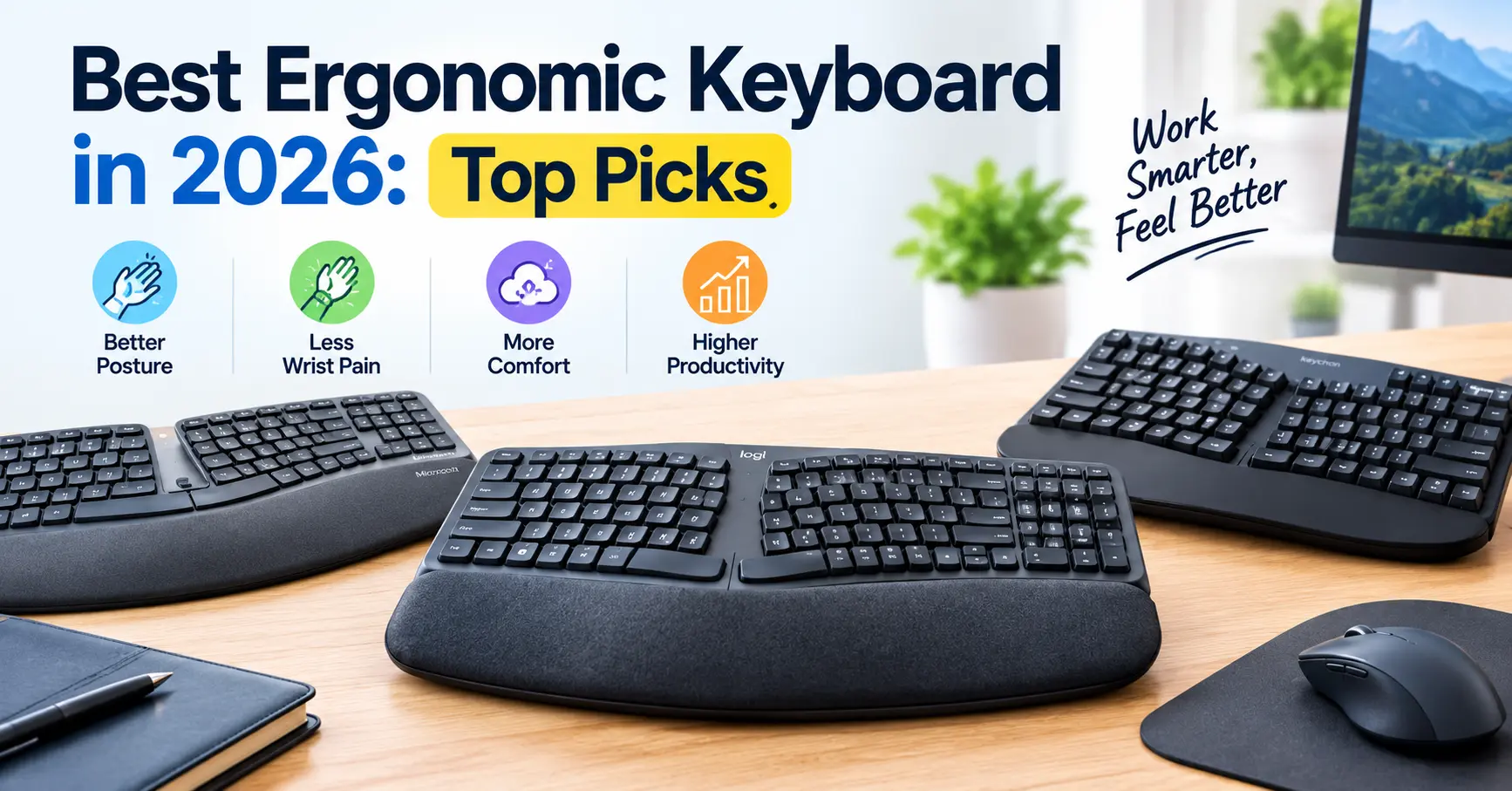
If you spend several hours every day typing, coding, gaming, editing, or working from home, your keyboard can have a bigger impact on comfort than you might expect.
A standard flat keyboard keeps both hands close together and can encourage the wrists to remain in one position for long periods. Ergonomic keyboards take a different approach. Depending on the design, they can split the key layout, add tenting, curve the keyboard, lower the typing height, or provide better palm support.
That does not mean an ergonomic keyboard is a treatment for RSI or carpal tunnel syndrome. However, choosing a keyboard that allows a more comfortable wrist and forearm position can be an important part of a better workstation.
In this guide, we compare the best ergonomic keyboards in 2026, including split, tented, curved, and low-profile options. We also explain what features matter, how to set up an ergonomic keyboard, and how it can work alongside a dedicated mouse wrist rest.
Important: If you have persistent wrist pain, numbness, tingling, weakness, or other symptoms, an ergonomic keyboard should not replace professional medical advice.
Quick Answer: What Is the Best Ergonomic Keyboard in 2026?
There isn’t one ergonomic keyboard that is perfect for everyone.
The Kinesis Advantage360 is designed for users who want maximum adjustability and a fully split, tented layout. The Logitech ERGO K860 is a more familiar choice for office workers who want a curved split design without moving to a highly specialized keyboard.
The Kinesis Freestyle2 is worth considering if you want an adjustable split keyboard with a relatively simple learning curve. Meanwhile, the Logitech Wave Keys offers a more conventional layout with a wave-shaped ergonomic design.
For people on a tighter budget, Perixx offers several split and ergonomic keyboard models.
The most important factor is not simply whether a keyboard is marketed as “ergonomic.” The real question is whether its design helps you maintain a comfortable position during your normal work.
Best Ergonomic Keyboards in 2026 at a Glance
| Keyboard | Design | Best For |
|---|---|---|
| Kinesis Advantage360 | Fully split, contoured, tented | Maximum adjustability |
| Logitech ERGO K860 | Curved split keyboard | Office and productivity |
| Kinesis Freestyle2 | Adjustable split | Beginners and office users |
| Logitech Wave Keys | Wave-shaped | Everyday productivity |
| Perixx ergonomic models | Split/curved designs | Budget-conscious users |
1. Kinesis Advantage360
The Kinesis Advantage360 takes a much more specialized approach to ergonomic typing.
Instead of keeping the keys on one flat surface, the keyboard separates the left and right sections. Each section has a contoured key well, and the design allows users to adjust the distance and angle between their hands.
It also supports tenting, which means the inner edges of the keyboard can be raised so the hands sit in a more natural position.
Why it stands out
- Fully split design
- Adjustable separation between keyboard halves
- Adjustable tenting
- Contoured key wells
- Programmable layout
- Designed for long typing sessions
The biggest advantage is adjustability. Instead of forcing your hands into one fixed position, you can configure the keyboard around your preferred posture.
Best for
The Advantage360 is particularly interesting for programmers, writers, developers, and power users who spend many hours typing and are willing to learn a different keyboard layout.
Potential downside
The design is significantly different from a traditional keyboard. There can be a learning period, and the price is considerably higher than mainstream office keyboards.
2. Logitech ERGO K860
The Logitech ERGO K860 is one of the easier ergonomic keyboards for someone who wants to move away from a traditional keyboard without completely changing the typing experience.
It uses a curved split-keyframe design with a substantial palm rest. The keyboard is divided into left and right typing zones while retaining a familiar full-size layout.
The palm rest is designed to support the hands while typing, and the keyboard can be adjusted to change its overall typing position.
Why it stands out
- Curved split-keyframe design
- Familiar full-size layout
- Integrated palm rest
- Comfortable option for office work
- Easier transition from a standard keyboard
For someone who spends most of the day writing emails, working with documents, browsing the web, or using productivity software, the K860 provides an ergonomic design without feeling like a completely different category of keyboard.
Best for
Office workers, remote workers, writers, students, and people who want a relatively straightforward ergonomic upgrade.
Potential downside
It isn’t as adjustable as a fully split keyboard such as the Advantage360.
3. Kinesis Freestyle2
The Kinesis Freestyle2 focuses on one of the most useful ergonomic keyboard features: separation.
The two keyboard halves can be positioned independently, allowing you to create more space between your hands.
Depending on the configuration and accessories, the keyboard can also provide tenting options.
Why it stands out
- Split design
- Adjustable separation
- Optional tenting
- Low-profile construction
- Relatively compact
- Easier transition than highly contoured keyboards
This makes the Freestyle2 an interesting middle ground. You get more positioning freedom than with a conventional keyboard without immediately moving to a deeply sculpted layout.
Best for
People who want to experiment with split keyboards for the first time.
Potential downside
The basic configuration may not provide the same level of adjustment as more advanced ergonomic keyboards.
4. Logitech Wave Keys
The Logitech Wave Keys takes a different approach.
Instead of separating the keyboard into two completely independent halves, it uses a wave-shaped layout designed to place the hands and fingers in a more natural-feeling position.
It also includes a cushioned palm rest.
Why it stands out
- Wave-shaped ergonomic layout
- Familiar typing experience
- Integrated cushioned palm rest
- Wireless options
- Suitable for everyday productivity
For users who don’t want an extreme ergonomic keyboard, the Wave Keys can be a practical starting point.
Best for
General office work, home offices, students, browsing, writing, and everyday productivity.
Potential downside
It doesn’t offer the same level of separation and positioning control as a fully split keyboard.
5. Perixx Ergonomic Keyboards
Perixx has several ergonomic keyboard designs aimed at users who want ergonomic features without moving immediately into premium-priced products.
Depending on the model, you can find split layouts, curved designs, palm supports, and different key configurations.
Why consider Perixx?
- More affordable options
- Multiple ergonomic layouts
- Split and curved designs available
- Suitable for users experimenting with ergonomic keyboards
The important thing is to compare the exact model rather than treating all Perixx keyboards as identical.
Best for
Users who want to explore ergonomic keyboard designs while keeping the budget under control.
What Makes a Keyboard Ergonomic?
The word “ergonomic” is used on almost every type of keyboard these days, but the label alone doesn’t tell you much.
Here are the features that actually matter.
1. Split Keyboard Design
A split keyboard separates the left and right sections.
This can allow you to position your hands farther apart and adjust the keyboard around your shoulder width.
For some users, this makes it easier to keep the forearms and wrists in a more comfortable position.
2. Tenting
Tenting raises the inner edges of the keyboard.
Instead of keeping both hands flat against the desk, the keyboard creates an angled surface.
This can reduce the need to rotate the forearms inward, although the ideal angle varies from person to person.
3. Curved or Contoured Layout
Curved keyboards attempt to follow the natural position of the hands.
Contoured keyboards take this further by placing keys into separate wells.
The Kinesis Advantage360 is an example of this more specialized approach.
4. Keyboard Height
Keyboard height is easy to overlook.
If the keyboard is too high, you may end up lifting your shoulders or extending your wrists upward while typing.
A comfortable setup generally keeps the shoulders relaxed and the elbows around keyboard height.
5. Palm Support
Palm support can make long typing sessions more comfortable, but it should not force your wrists into an awkward position.
A good palm support should allow your hands to move freely while typing.
Can an Ergonomic Keyboard Help With Wrist Pain?
It can help create a more comfortable typing position, but it is important not to overstate what a keyboard can do.
Ergonomic keyboards are designed around positioning and comfort. Features such as split layouts, tenting, curved keyframes, and lower typing heights may help some users maintain a more neutral wrist position.
However, individual results vary.
If your wrist discomfort is related to your entire workstation, changing only the keyboard may not solve the problem.
Your mouse, desk height, chair, monitor position, keyboard angle, and typing habits all matter.
For example, you can have an excellent ergonomic keyboard but still create wrist strain if your mouse is positioned too far away or your desk is too high.
That is why your keyboard should be considered part of a complete workstation rather than an isolated solution.
Ergonomic Keyboard vs Standard Keyboard
| Feature | Standard Keyboard | Ergonomic Keyboard |
|---|---|---|
| Hand positioning | Mostly fixed | Often adjustable |
| Split design | Usually no | Often available |
| Tenting | Rare | Common on advanced models |
| Curved layout | Rare | Common |
| Palm support | Optional | Frequently included |
| Learning curve | Very low | Depends on design |
| Adjustability | Limited | Moderate to high |
| Price | Usually lower | Often higher |
How to Set Up an Ergonomic Keyboard Correctly
Buying an ergonomic keyboard is only half the process.
Your setup matters just as much.
Step 1: Keep Your Shoulders Relaxed
Don’t raise your shoulders while typing.
Your arms should approach the keyboard naturally rather than forcing your shoulders upward.
Step 2: Keep Your Wrists Neutral
Try to avoid bending your wrists sharply upward, downward, or sideways.
Your hands should approach the keyboard naturally.
Step 3: Adjust Keyboard Distance
Don’t push the keyboard too far away.
If the keyboard is too distant, you may extend your arms unnecessarily.
If it’s too close, you may feel cramped.
Step 4: Experiment With Split Distance
If you are using a split keyboard, don’t automatically maximize the distance between the two halves.
Start with a comfortable position and adjust gradually.
Step 5: Adjust Tenting Slowly
If your keyboard supports tenting, begin with a small angle.
You can increase the angle later if it feels more comfortable.
Step 6: Check Your Mouse Position
Your keyboard and mouse should work together.
If your keyboard is positioned correctly but your mouse is too far away, you may still spend hours reaching sideways.
This is where a dedicated mouse wrist support can become useful.
Do You Need a Wrist Rest With an Ergonomic Keyboard?
Not necessarily.
A keyboard palm rest and a mouse wrist rest serve different purposes.
The keyboard supports your hands while typing, whereas a mouse wrist rest can support the palm while controlling the mouse.
If you are also trying to improve your mouse-side ergonomics, read our BadSeed Tech Carpio Review to understand the gliding wrist-rest design and how it differs from a traditional stationary wrist pad.
The Carpio is designed to move with your hand rather than keeping your palm fixed against one spot.
That makes it an interesting accessory for people who spend long hours moving between keyboard and mouse.
Ergonomic Keyboard + Carpio: Can They Work Together?
Yes.
An ergonomic keyboard can address the typing side of your workstation, while a gliding mouse wrist rest addresses the mouse side.
The important thing is to make sure the height of the keyboard, mouse, and wrist support works together.
For example, a very tall mechanical keyboard combined with a low mouse wrist rest can create a height mismatch.
Before buying a wrist rest, it is worth understanding how different desk heights, keyboards, and wrist supports affect compatibility. Our BadSeed Tech Carpio Guide covers the Carpio’s sizing, surface compatibility, keyboard-height considerations, and basic setup.
If you’re specifically comparing the two main Carpio designs, our Carpio 2.0 vs Carpio G2.0 guide explains the differences between the standard and gaming-focused versions.
What Should You Avoid in an Ergonomic Keyboard?
Not every product marketed as ergonomic will automatically improve your setup.
Watch out for these issues.
Extremely High Keyboard Profiles
Very tall keyboards can require more wrist extension depending on how they are positioned.
Fixed Designs With No Adjustment
If a keyboard doesn’t fit your body or desk, having an ergonomic label doesn’t necessarily make it comfortable.
Excessive Tenting
More tenting isn’t automatically better.
Your ideal angle depends on your body and typing position.
Oversized Wrist Rests
A wrist rest shouldn’t prevent your hands from moving naturally while typing.
Ignoring the Mouse
Your keyboard is only one half of the input setup.
If you spend several hours using a mouse, mouse positioning and wrist support deserve equal attention.
How to Choose the Right Ergonomic Keyboard
Use these questions before buying.
Choose a Fully Split Keyboard If:
- You want maximum positioning control.
- You are willing to learn a new typing layout.
- You spend many hours typing.
- You want to experiment with tenting and separation.
Choose a Curved Ergonomic Keyboard If:
- You want an easier transition from a normal keyboard.
- You mainly work in an office environment.
- You want integrated palm support.
- You don’t need extreme adjustability.
Choose a Low-Profile or Simple Split Keyboard If:
- You dislike tall keyboards.
- You want a compact setup.
- You prefer a familiar typing experience.
- You are new to ergonomic keyboards.
Choose a Budget Ergonomic Keyboard If:
- You are experimenting with ergonomics for the first time.
- You don’t want to spend heavily.
- You want to test whether a different layout feels better.
Don’t Forget the Rest of Your Desk Setup
A keyboard cannot fix an uncomfortable workstation by itself.
Your chair, monitor, desk height, keyboard, mouse, lighting, and wrist support all interact.
If you’re rebuilding your workstation from the ground up, our Complete Ergonomic Desk Setup Guide covers desk positioning, keyboard and mouse placement, monitor height, and other ergonomic considerations.
You can also learn more about the fundamentals in our Ergonomic Wrist Rest Guide before adding a wrist-support accessory to your desk.
If you are looking for lower-cost alternatives to the Carpio, you can also check our guide to Best Carpio Alternatives Under $20.
Final Verdict
The best ergonomic keyboard in 2026 depends on how much adjustment you want and how willing you are to change your typing habits.
The Kinesis Advantage360 is aimed at users who want extensive adjustability through a fully split and contoured design.
The Logitech ERGO K860 is a more familiar option for office and productivity work, while the Kinesis Freestyle2 provides an adjustable split layout without going as far into the specialized ergonomic-keyboard category.
The Logitech Wave Keys is another approachable option for everyday users who want a more ergonomic shape without completely changing the traditional keyboard experience.
For budget-conscious buyers, Perixx provides several ergonomic alternatives worth comparing.
The key takeaway is simple: don’t choose an ergonomic keyboard just because the product description says “ergonomic.” Look at the actual layout, split distance, tenting, keyboard height, palm support, and how those features fit your body and workstation.
And remember that keyboard comfort is only one part of an ergonomic desk. Your mouse position and wrist support matter too. If you use a mouse for long periods, researching a gliding wrist rest alongside your keyboard can help you build a more complete setup.
Frequently Asked Questions
What is the best ergonomic keyboard in 2026?
There is no single best ergonomic keyboard for every user. Fully split keyboards such as the Kinesis Advantage360 provide extensive adjustment, while models such as the Logitech ERGO K860 are easier transitions for everyday office work.
Are ergonomic keyboards good for wrist pain?
They may help some users maintain a more comfortable and neutral wrist position, but they are not medical treatments for wrist pain or RSI.
Is a split keyboard better for your wrists?
A split keyboard can give you more control over hand and forearm positioning. Whether it feels better depends on your body, typing style, desk setup, and adjustment preferences.
Are ergonomic keyboards difficult to learn?
Some are. Traditional curved keyboards usually require little adjustment, while fully split and contoured keyboards can require a longer learning period.
Do I need a wrist rest with an ergonomic keyboard?
Not always. It depends on your keyboard design and personal comfort. A keyboard palm rest and a mouse wrist rest serve different purposes.
Can I use an ergonomic keyboard for gaming?
Yes. Ergonomic keyboards can be used for gaming, although some highly specialized layouts may require more adaptation for games that rely heavily on familiar key positions.
What is the most important ergonomic keyboard feature?
For many users, positioning flexibility is more important than a specific brand. Split layout, tenting, keyboard height, and comfortable key positioning are all worth considering.
Can an ergonomic keyboard prevent RSI?
You should not assume that an ergonomic keyboard can prevent RSI. Ergonomic design may improve positioning and comfort, but individual risk depends on many factors.
If you experience persistent pain, numbness, tingling, or weakness, consider getting professional medical advice.
